Image styles for AI images
What do you want
to make?
Pick a use case, choose a look and copy what you need: the full prompt, the style only or a template to fill with your own content. Every image here was made with exactly the prompt shown next to it.
Use cases
Each use case shows the same task in many styles, the image without a style for comparison and a template to fill in.
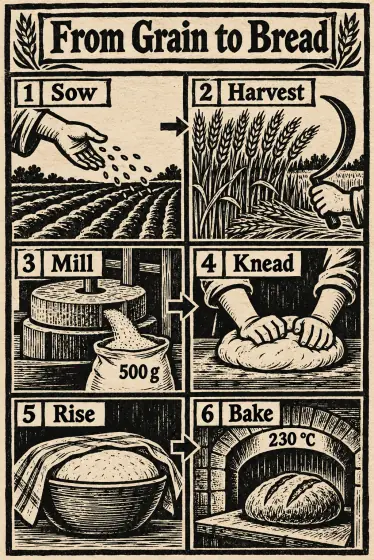
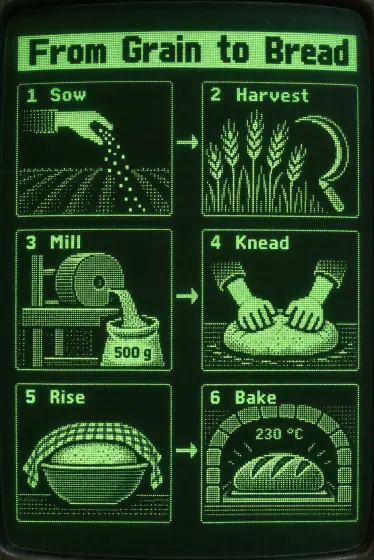
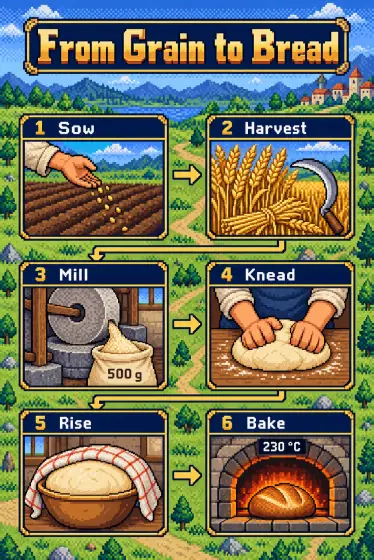
Infographic
Processes, explanations and key figures on one page: for slides, reports, intranets and social media.
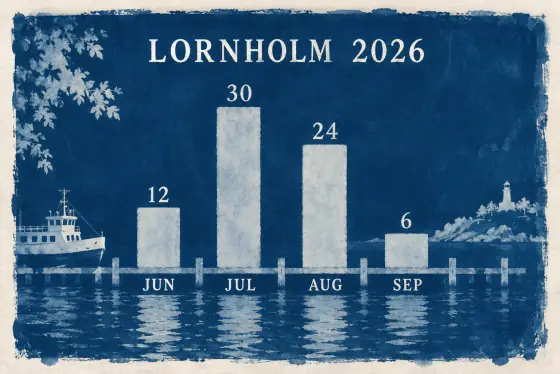
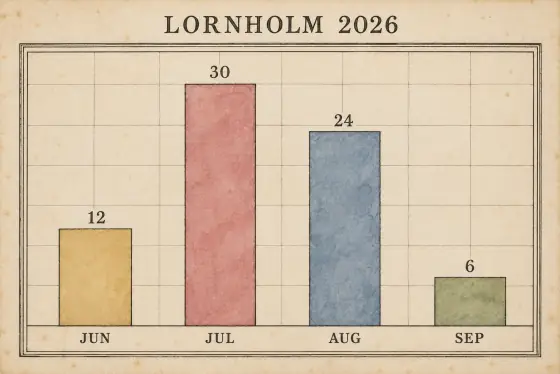
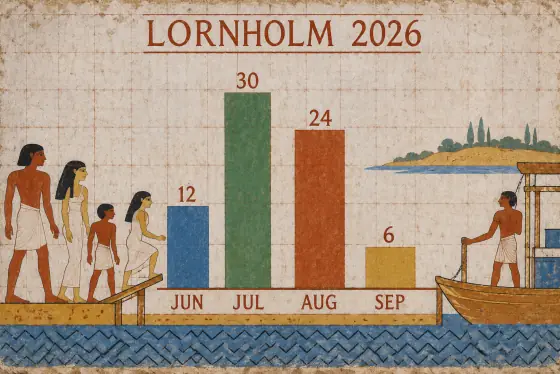
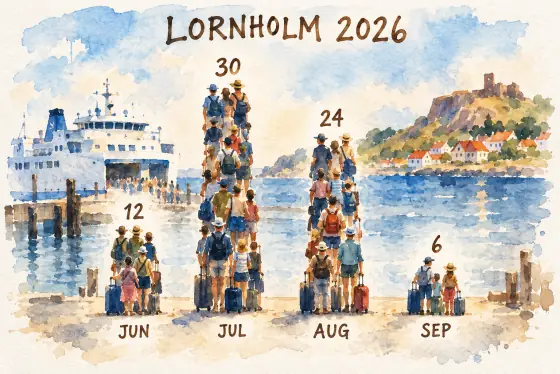
Chart
Bars, lines and pies with real values that do not look like a spreadsheet.



Icons
Matching pictograms for slides, websites and apps, with the same line and palette.
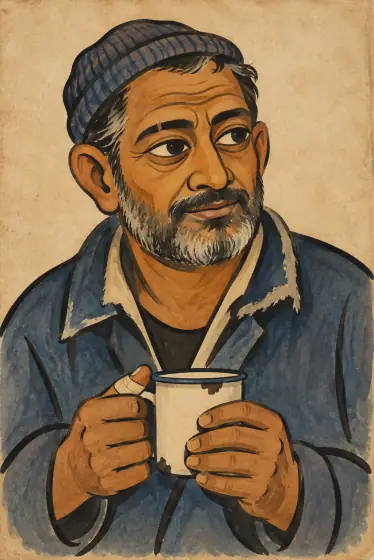
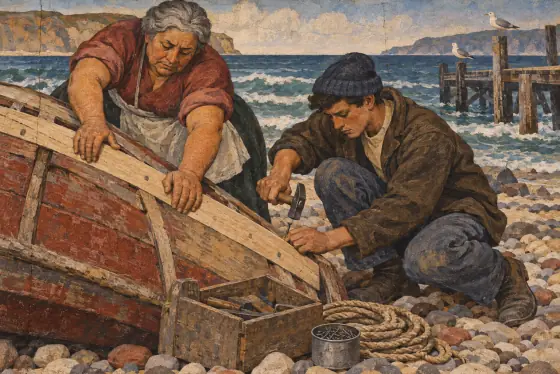

Portrait & people
Portraits, team images and scenes with people, without glossy skin and stock-photo smiles.
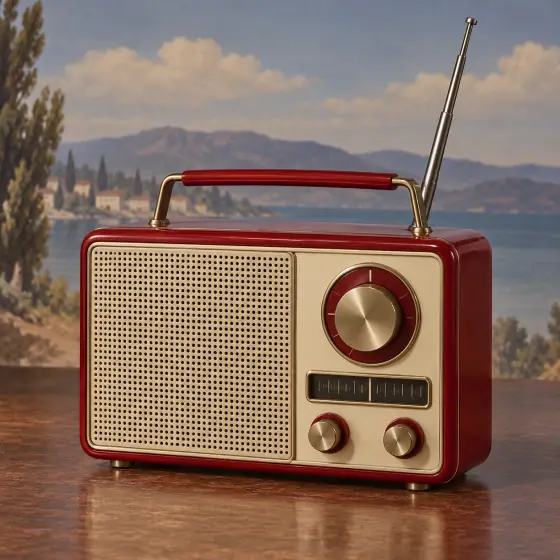
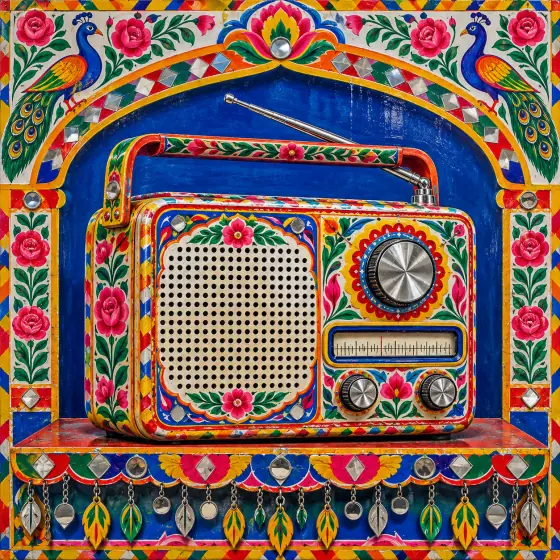
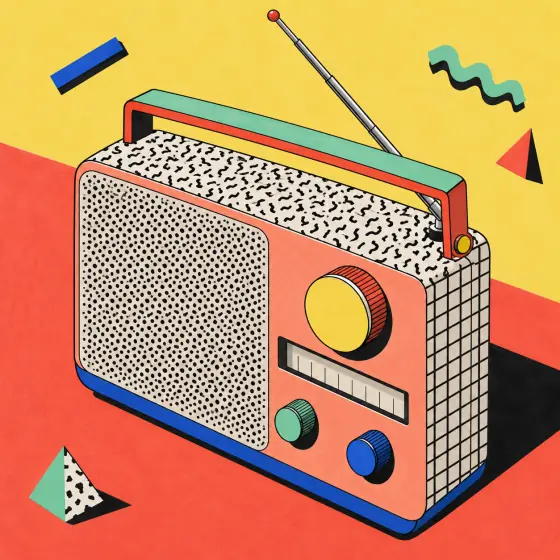
Product & food
Product shots, dishes and still lifes for a shop, a menu or a press kit.
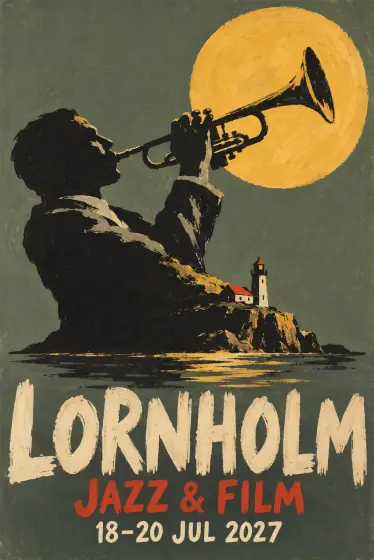

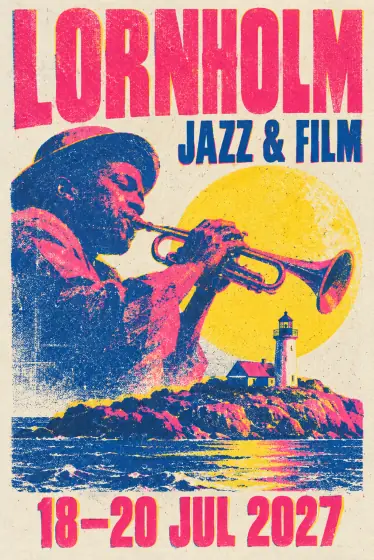
Poster & cover
Posters, flyers and cover images with large lettering, where image and text are designed together.
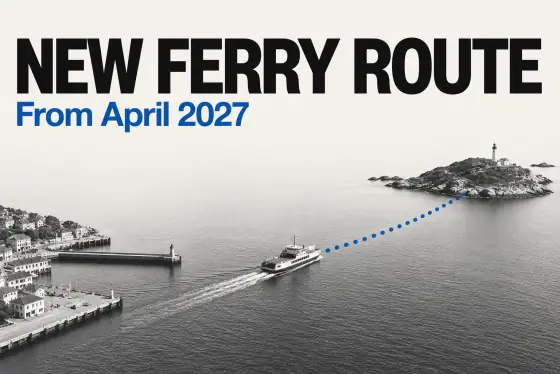
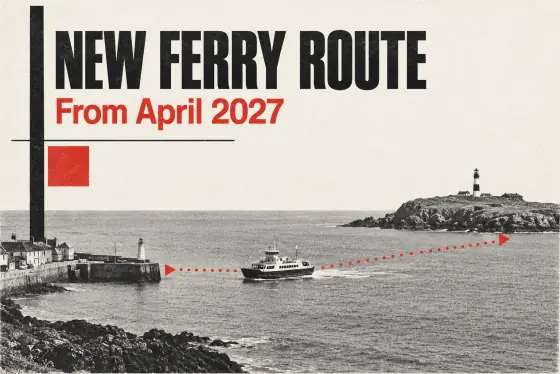
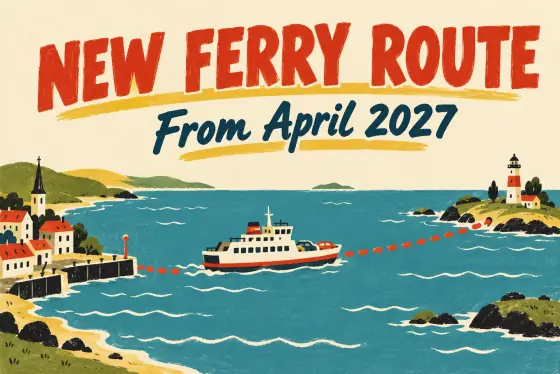
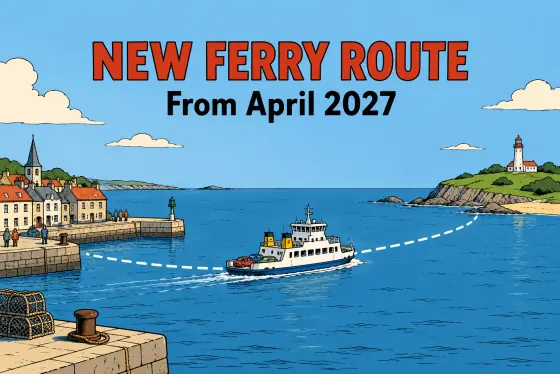
Slide & presentation
Title and section slides with a calm picture and room for the heading.
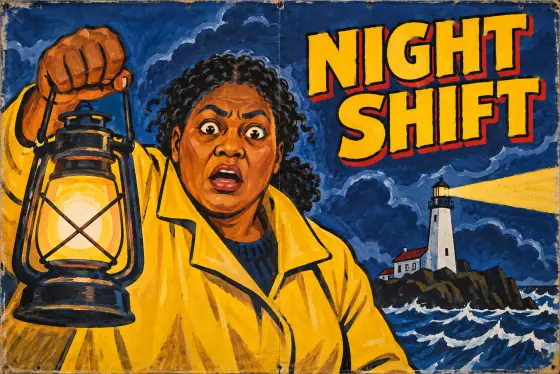
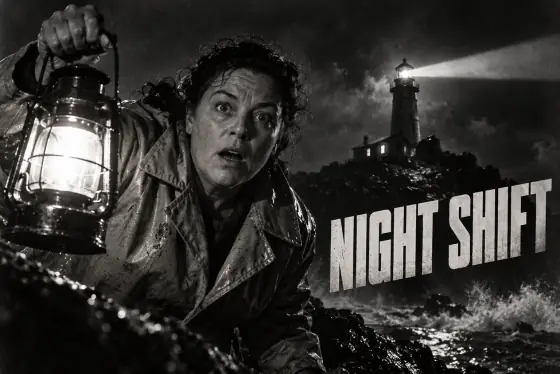

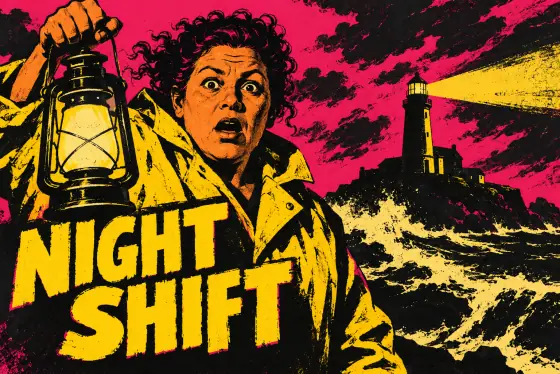
Thumbnail
Preview images for videos, podcasts and webinars: one face, a few words, legible even when tiny.
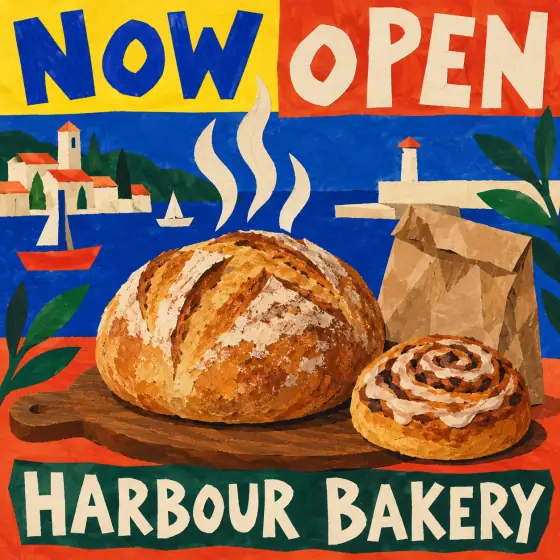
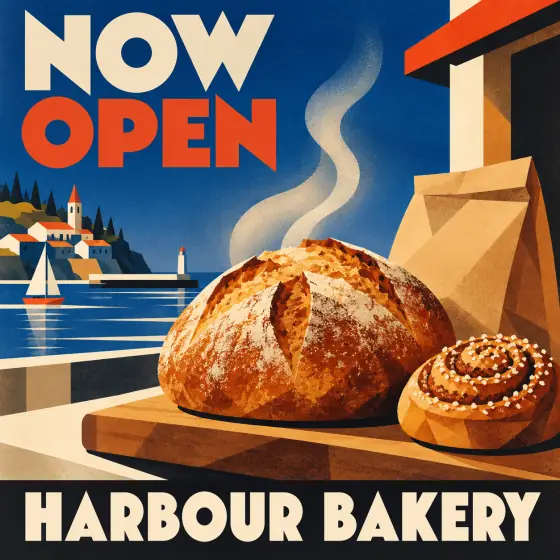
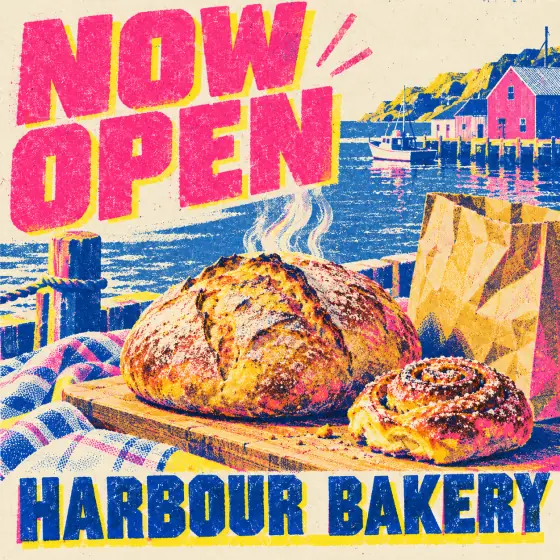
Social media post
Square posts for Instagram, LinkedIn and the like: one message, one picture, recognisable at once in the feed.
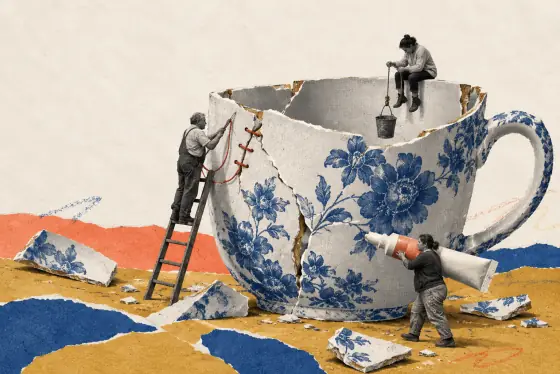
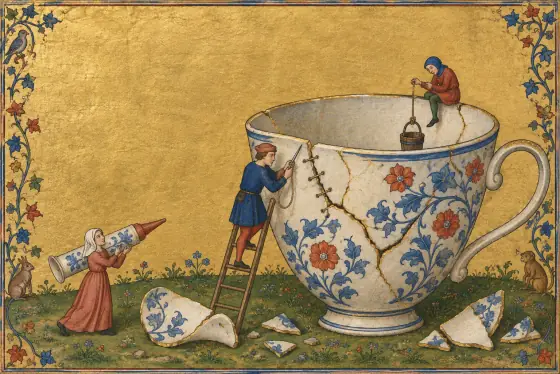
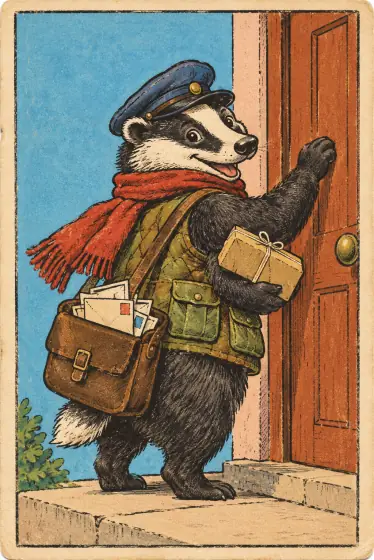
Illustration & character
Lead images for articles, blogs and newsletters, plus characters and mascots.
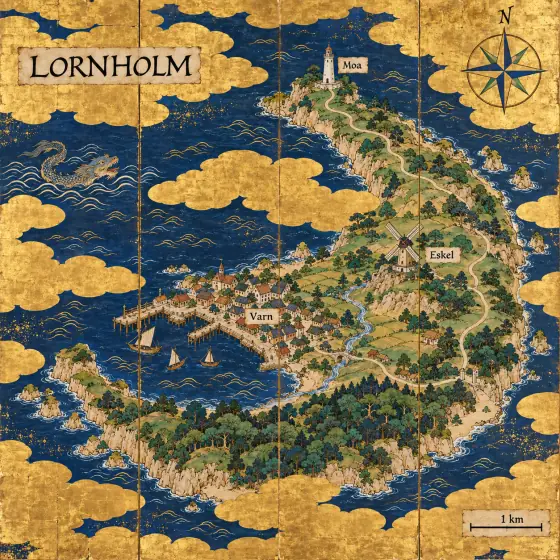
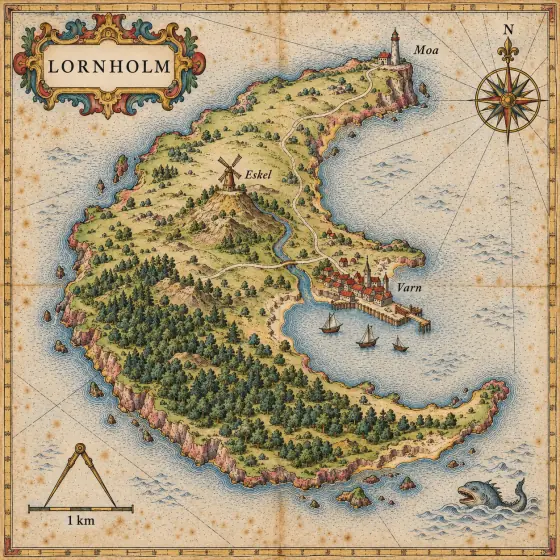
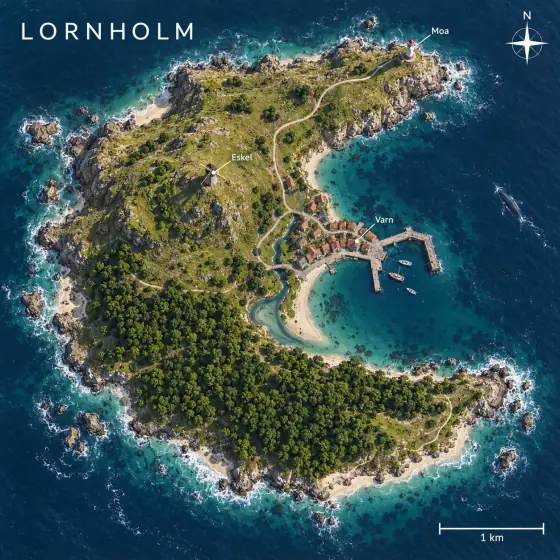
Map
Site plans, directions and overview maps with a few correctly spelled names.
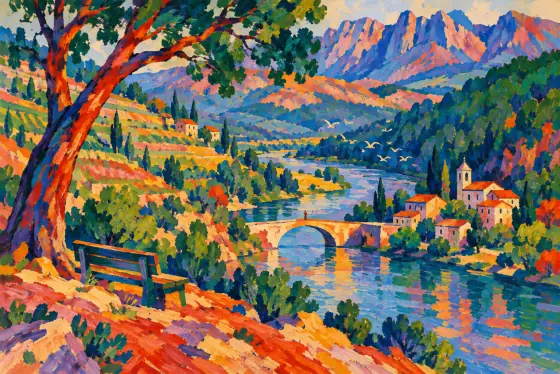

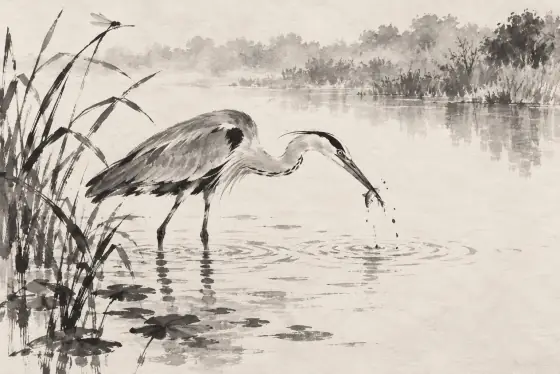
Mood & background
Landscape, city, interior, animal and plant: images for slide backgrounds, websites and section pages.
How to use a style
Every prompt has three parts: style, content and constraints. The style is interchangeable, the content is yours.
- Full prompt: make exactly this image again, as a starting point.
- Style only: put the style block in front of your own description or data, e.g. 'Turn this into an infographic in this style'.
- Template: style, content with placeholders in [SQUARE BRACKETS] and matching constraints. Replace the placeholders and you are done.
Why give a style at all?
Without a style the model delivers its default look: warm backlight, smooth skin, centred subjects, colourful tiles. How to recognise it →
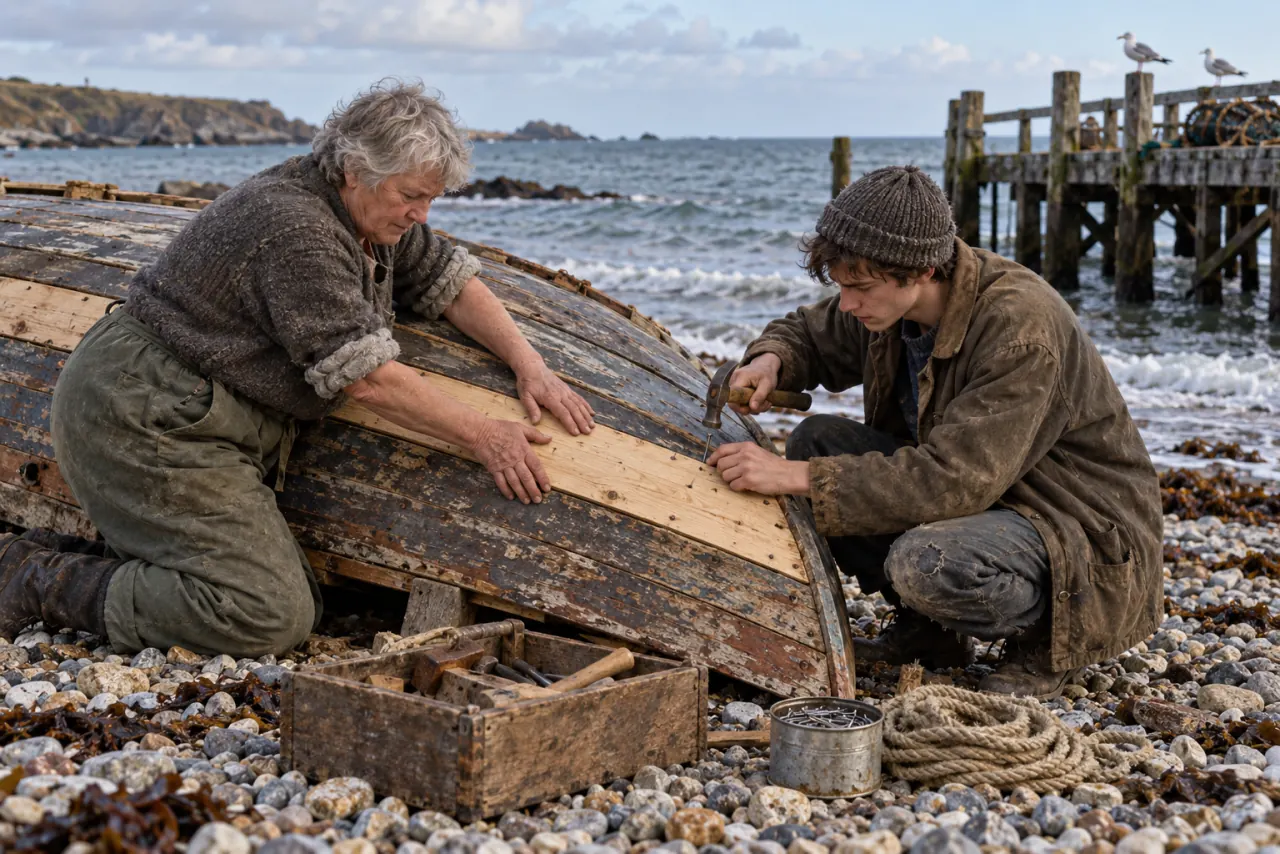
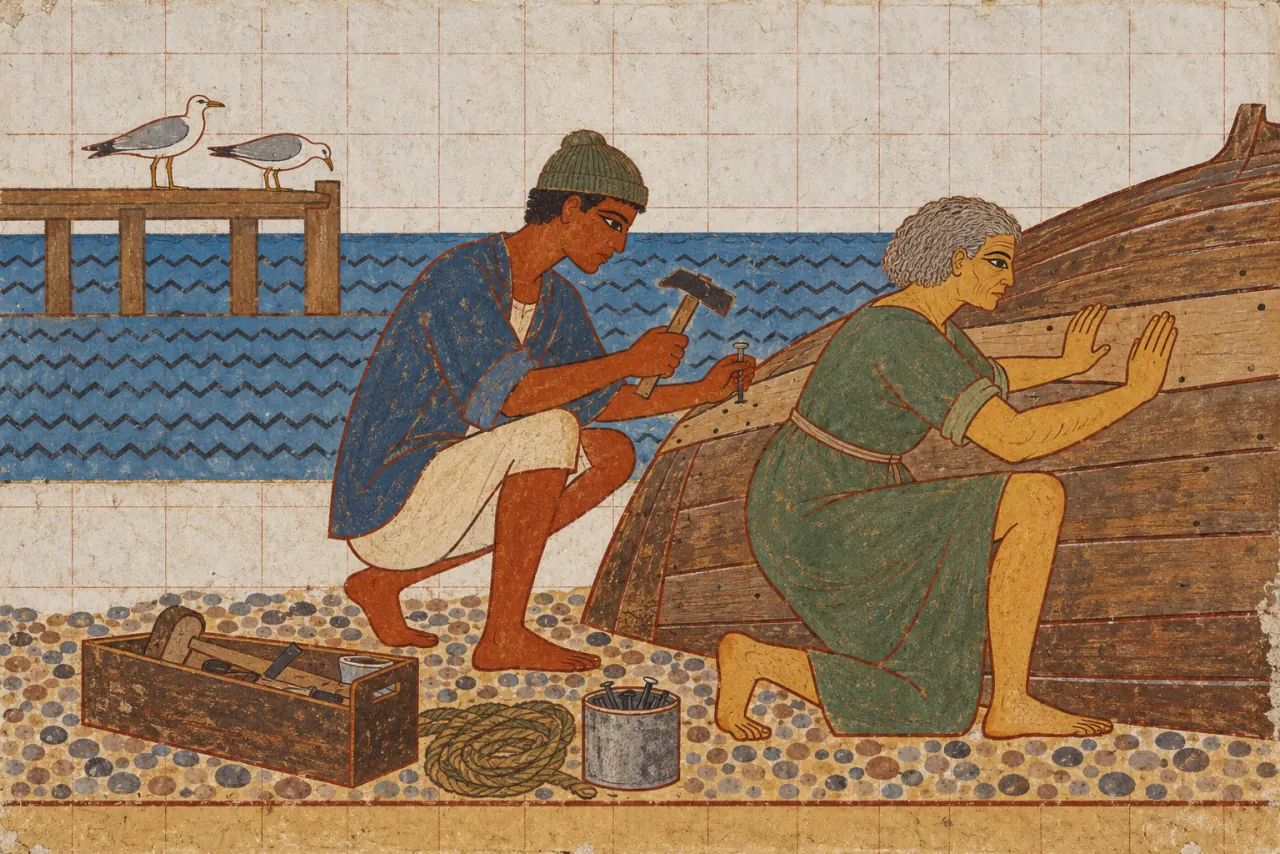
Same content, different prompt
Both images describe the same scene word for word. The right one only lacks the style block. Drag the slider and pick a style.
Fact sheet: Ancient Egyptian wall painting
Keep exploring
For getting to know a style in depth or looking for something specific.
Styles with fact sheets
Origin, markers, pitfalls and the style block to copy, with images from every use case.
599 stylesLexicon
Selected styles with a prompt fragment, searchable, from the daguerreotype portrait to the Frutiger Aero wallpaper.
AI look & leversSpotting the AI look
How to recognise AI images and which phrases counter it.